Categorising transactions: Categorise by merchant
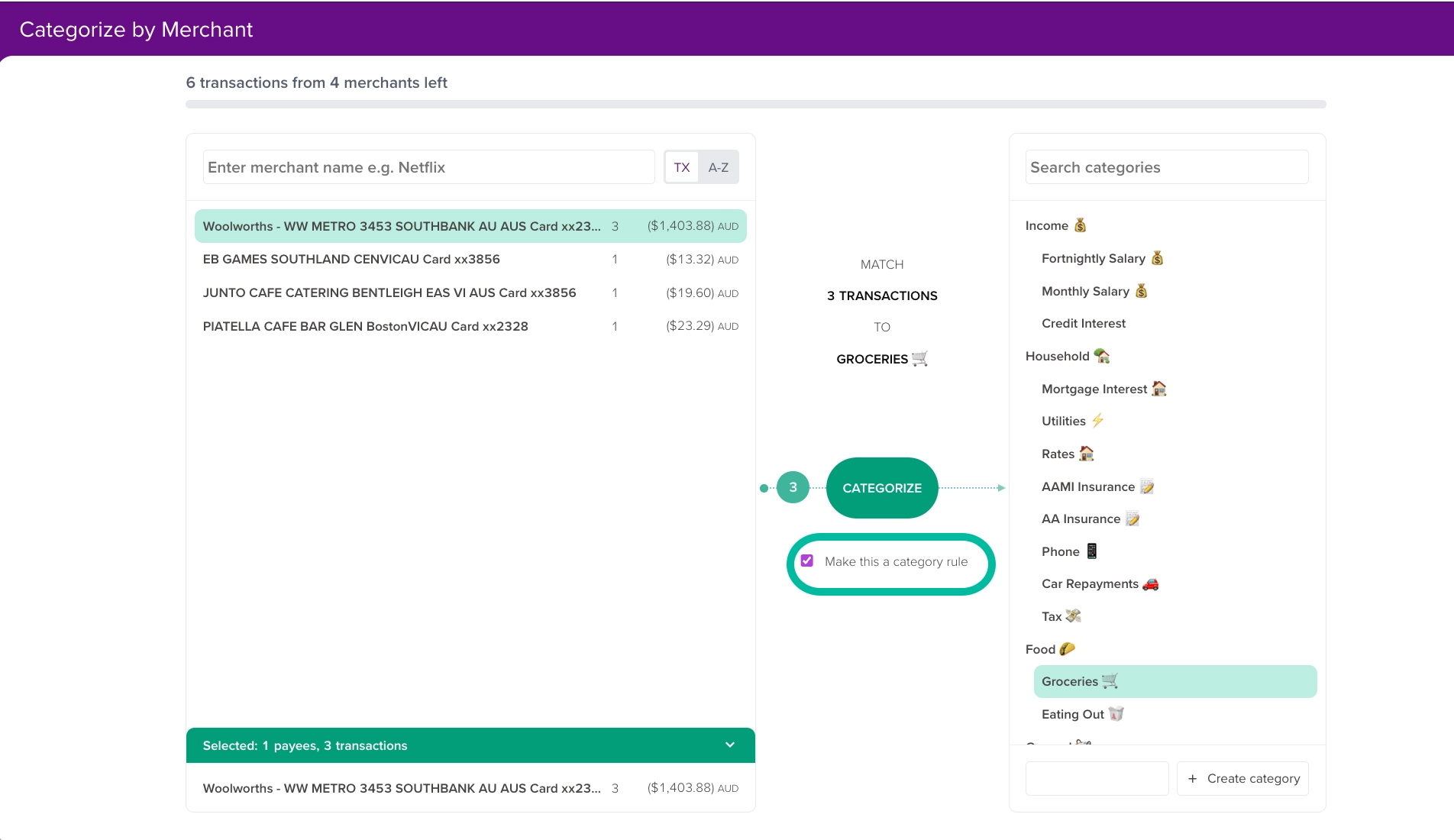
This page helps you to quickly categorise your transactions by grouping them by their merchant keywords.
🔧 Beta
The Categorise by Merchant page is only currently available to those who have opted into the beta features.
If you aren't currently in the beta program, this guide shows how you can join: Becoming a beta tester in PocketSmith
The Categorise by merchant page
Head to Manage > Categorise by Merchant
This page will show you all currently uncategorised transactions.
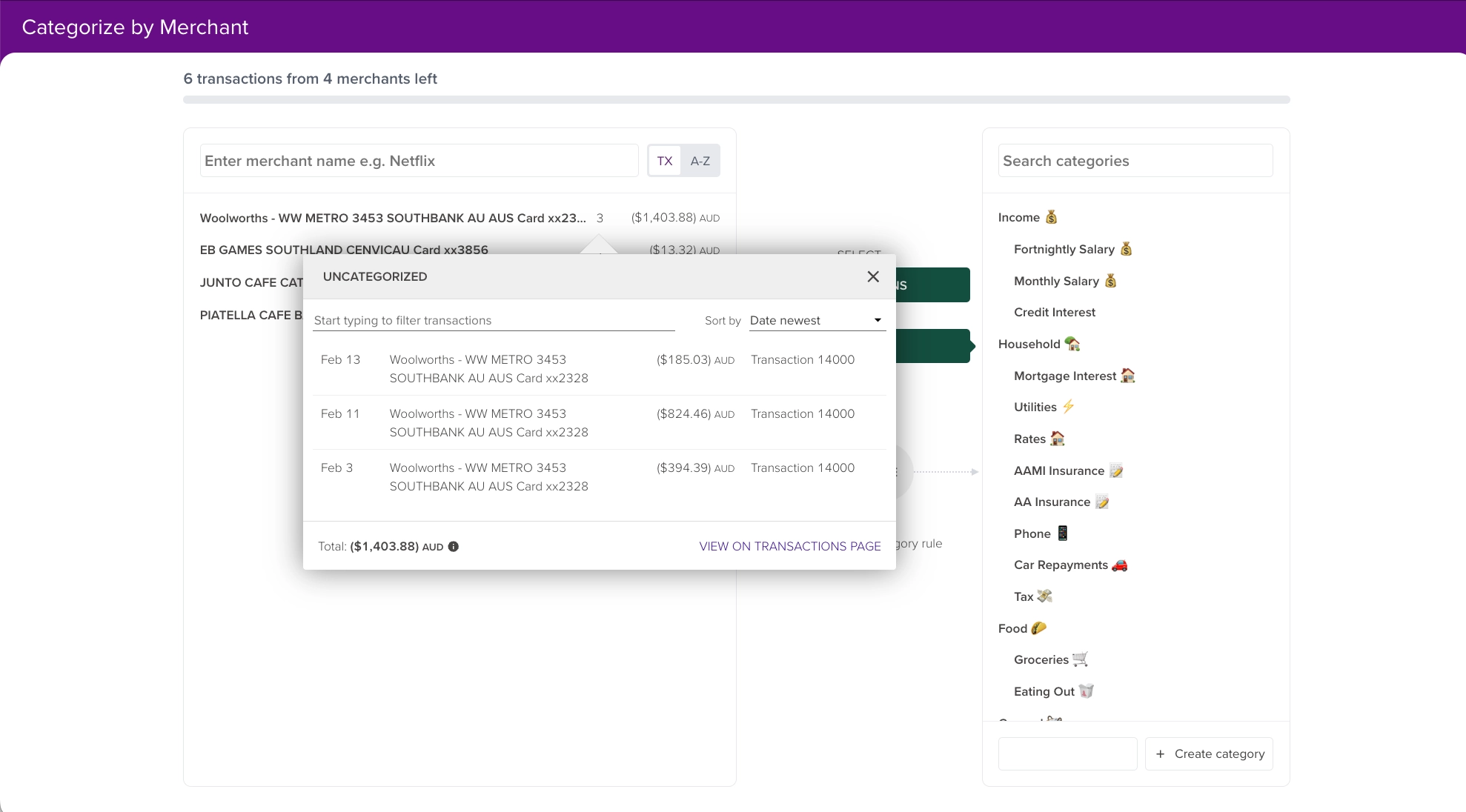
Transactions with the same merchant name will be grouped to easily categorise in one go. You can click on the number showing next to the transaction to see the individual transactions.
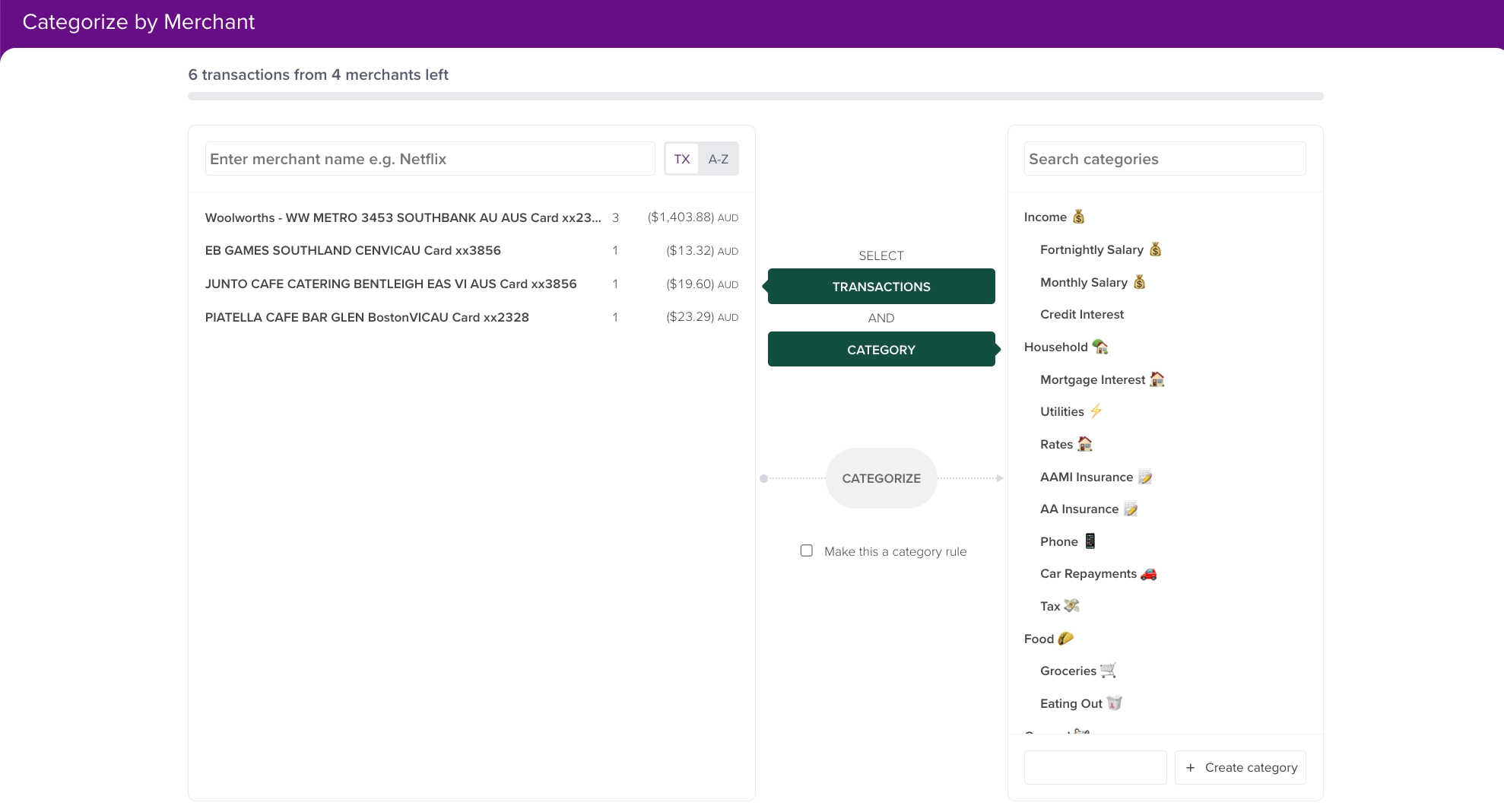
How to categorise transactions on the Categorise by merchant page
- Select the merchant name
- Select the category
- Click Categorise
An example
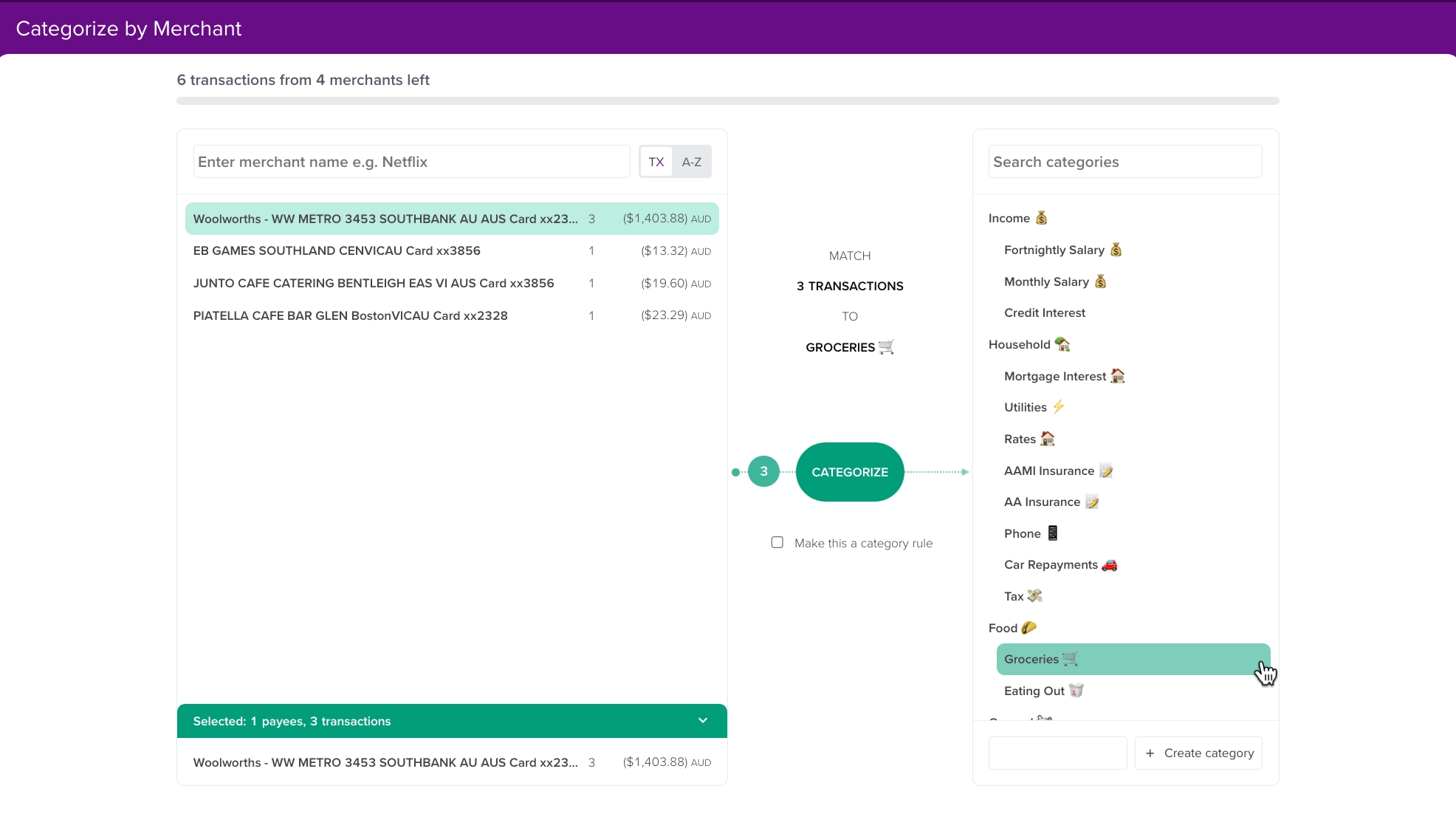
The 3 transactions from Woolworths with the same merchant keywords can be easily categorised into my Groceries 🛒 category.
💡 Tip
The Make this a category rule option will mean PocketSmith automatically assigns future transactions matching this merchant reference into your chosen category.
Learn more about category rules in this guide: Use category rules to automatically categorise transactions